
Keep the evidence close to the entry
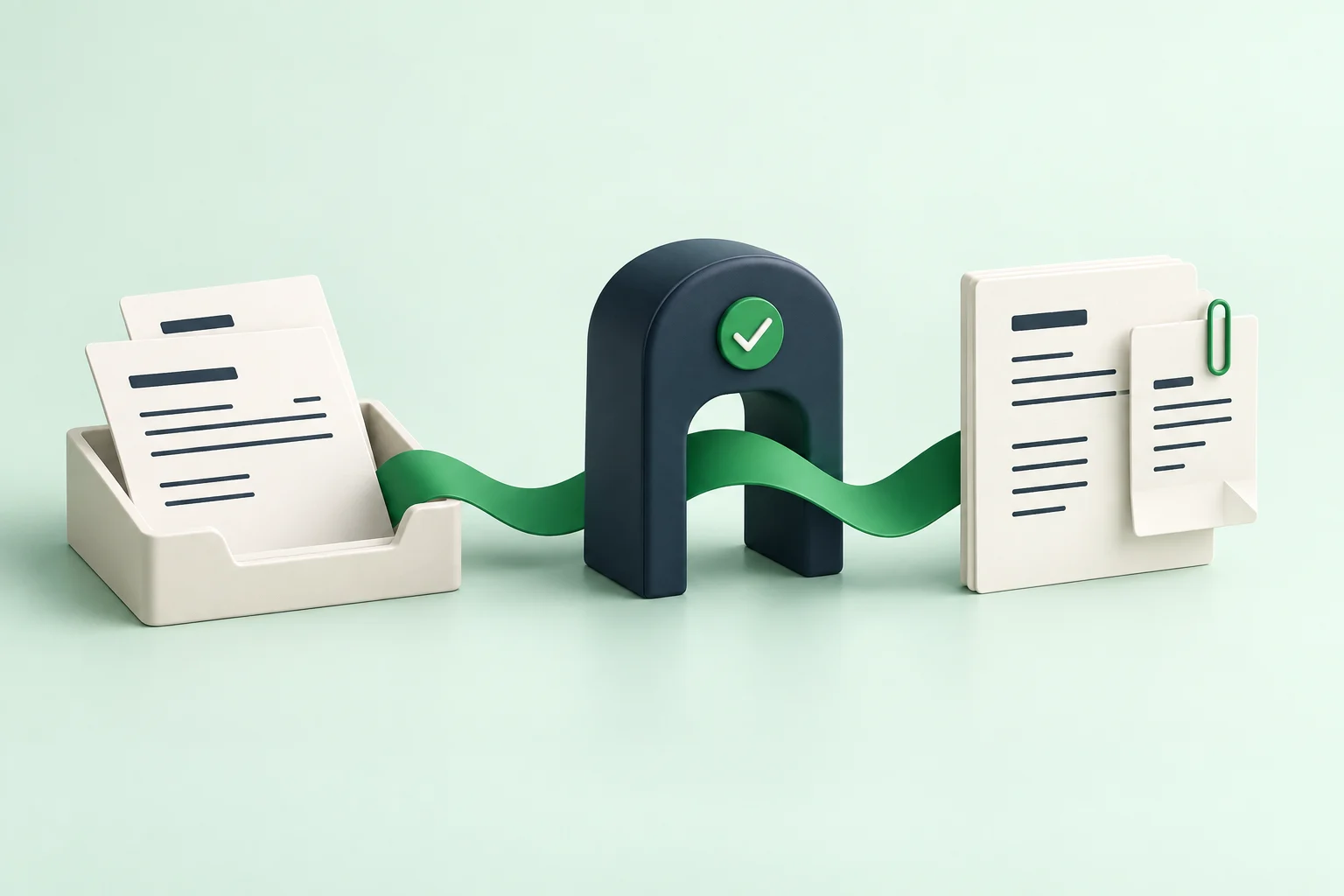
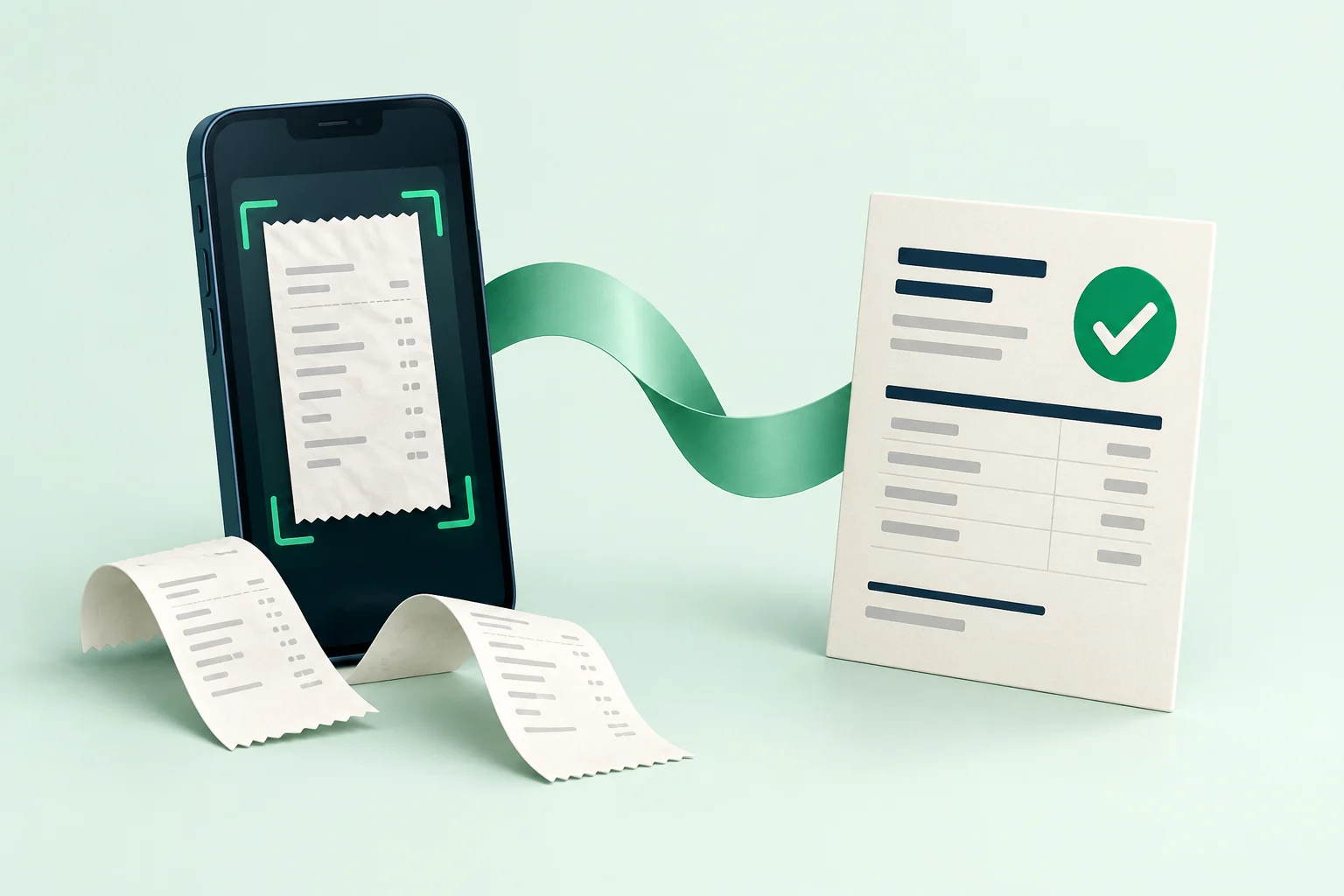
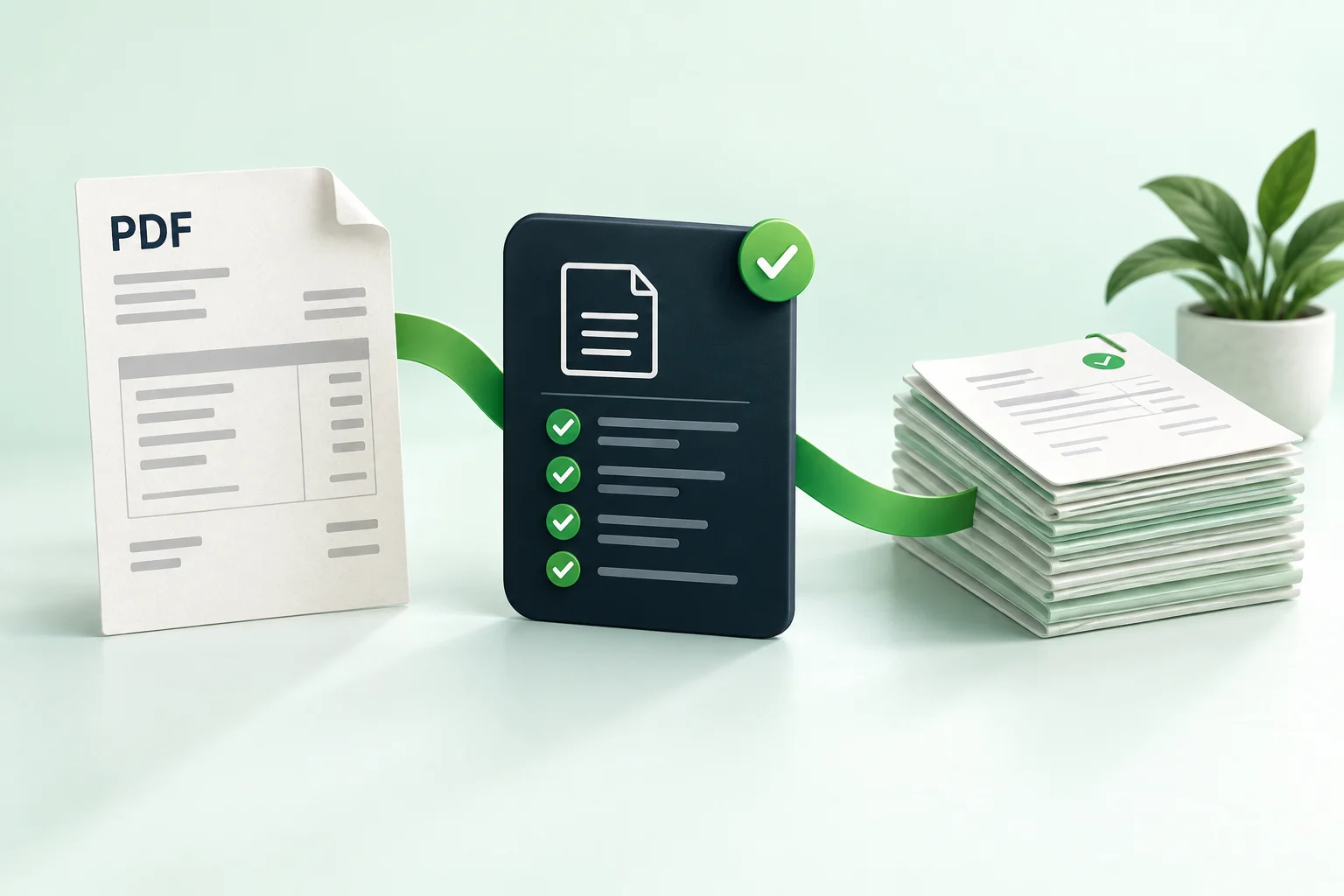
A prepared record shows the values your team chose. The original invoice or receipt lets another person inspect the source. Keep both available when someone needs to revisit a question.
QuickBooks Online supports attachments for Bills and Expenses, among other transaction types. The linked Intuit guide explains the supported records and attachment workflow.
Check the accounting record and its source attachment as two related outcomes.
Verify the attachment separately
After completing your normal review process, check that the intended source opens from the intended record. Make sure it is the right file rather than a similarly named document from another client.
A successful record action should not be treated as proof that every related file action completed. Where statuses differ, investigate the missing part instead of assuming the whole process needs to start again.
Preserve context for the next reviewer
Keep the filename or reference meaningful and add a concise note when something required interpretation. Use your organisation’s retention and access policies for original documents.
The aim is straightforward: a future reviewer should be able to understand what was entered and see the document that supported it, without searching through a separate email history.
This is a sample editorial guide. Intuit: add or delete attachments in QuickBooks provides related official documentation.