015 MIN
Start with your real work.
Show us where supplier invoices arrive and what you currently enter by hand.

See exactly how your invoices reach QuickBooks. Ask your questions. Leave knowing what your team can automate—and what stays in your control.
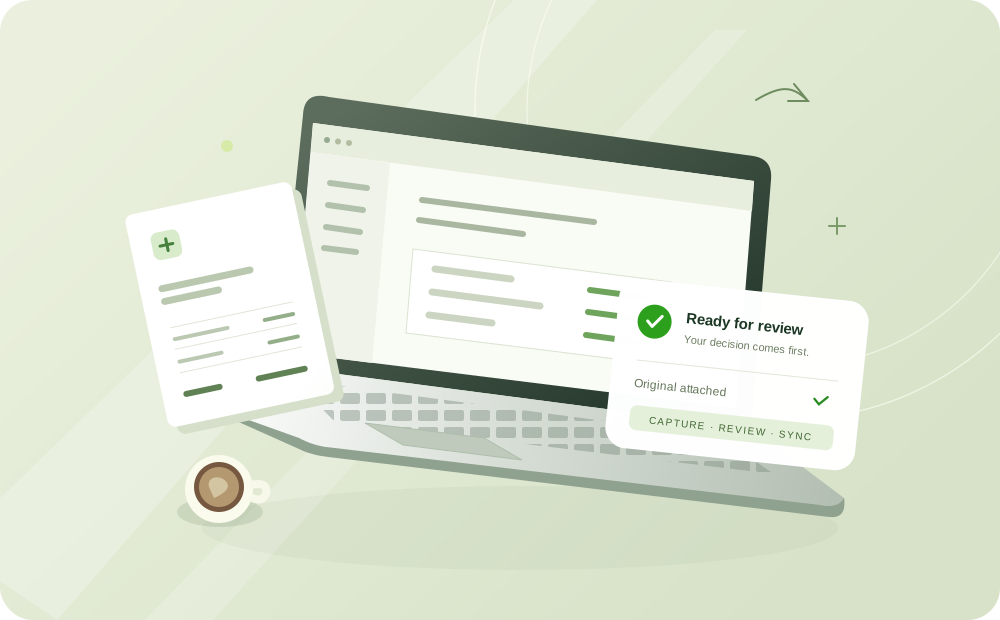
Your team checks the source and extracted fields, resolves possible duplicates, and approves before a record is sent to QuickBooks. See that review step in the demo.
Your time zone is shown below. You can review everything before requesting.
| M | T | W | T | F | S | S |
|---|---|---|---|---|---|---|
Sample start times
Interactive preview · Sample times, not live availability.
Show us where supplier invoices arrive and what you currently enter by hand.
Watch a supplier PDF become prepared fields. Check the details, then see the reviewed QuickBooks handoff.
Get clear on fit, pricing, and the next step. You decide whether to explore further.
ScannerPilot gave our team a clear place to review source documents before QuickBooks changed.
From ScannerPilot’s published customer story.
Start with your questions. Use sample documents, or bring a redacted example of your own.
Ask us a questionA question about your current workflow is enough to start. A representative invoice or receipt can help; remove sensitive details first. A sample document can be used instead.
Yes. Choose “Multiple clients” above to shape the session around client workspaces, review queues, and the correct QuickBooks company for each record.
The proposed session follows a document through capture, extraction, review, and the QuickBooks handoff. The goal is to see the work itself and discuss your questions.
A demonstration workspace can be used to explain the workflow. Do not share account passwords or access tokens in the booking form.
On a connected booking service, the team would confirm the time and meeting details. This design preview does not send requests, reserve times, or email invitations.