
Not just stored.
Ready to work.
Your folders hold the invoices and receipts.
ScannerPilot prepares the details.
You decide what reaches QuickBooks Online.
Monthly invoices /
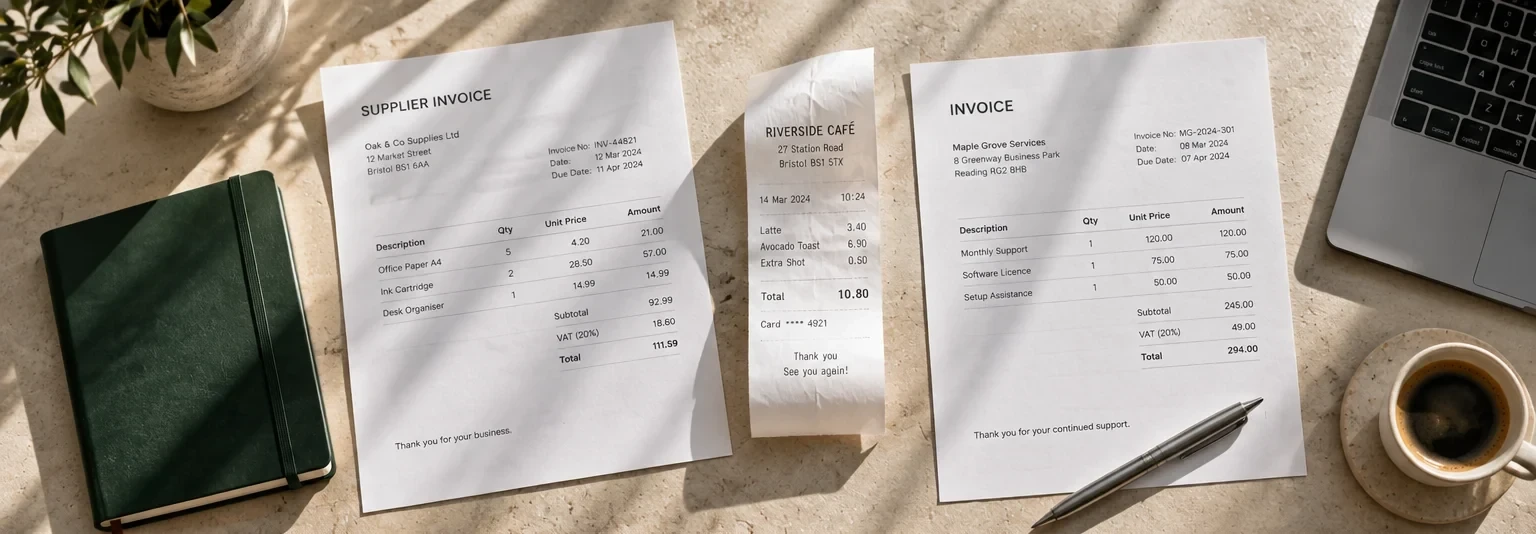
A folder full of files.
A head start on review.
Start with a sample folder. Choose the files and the right workspace. Then see what’s ready for your attention.
Monthly invoices
Supplier PDFs, together in one place.
Who do these files belong to?
Tell the example where these documents belong. Review comes next.
Fictional sample files and values. No OCR, storage connection, or QuickBooks sync runs in this preview.
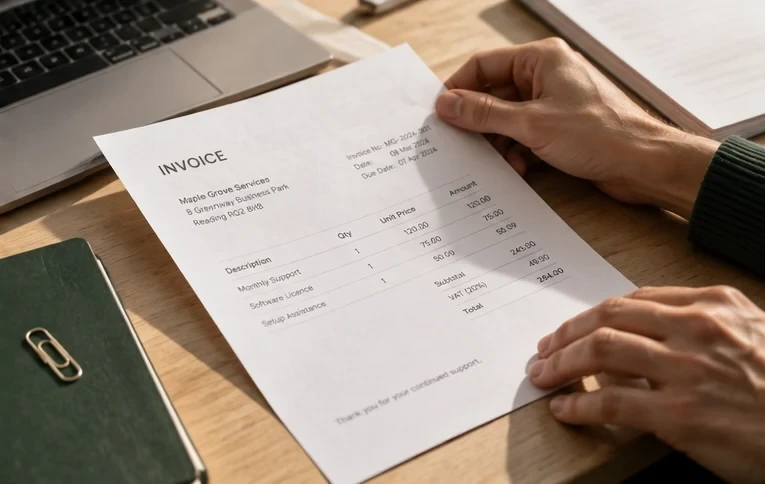
Keep the file.
Keep the full story.
When someone asks “where did this come from?”, the answer should be more than a folder name.
A stored document is evidence to review—not an approved accounting entry.
Your filing habits.
A more useful next step.
No one-size-fits-all promise. Start with how your documents actually arrive.
FIRST PASSFor your own business
The folder you already have.
Start with the invoices and receipts you’ve collected. Choose the correct workspace, prepare the files, and review the details when you’re ready.
Useful for supplier PDFs, paid receipt photos, and monthly document batches.
Storage-provider connections and folder intake depend on your workspace setup. This page does not promise native Google Drive, Dropbox, or OneDrive connectivity, automatic folder watching, or a specific sync interval.
Good questions.
Clear answers.
About storage, source files, and what happens next.
Talk to the ScannerPilot teamWhat is a document storage workflow?
It is the path from a stored invoice or receipt to a document that someone can review. ScannerPilot helps prepare the document’s details and keeps the source in context before an approved record is sent to accounting.
Can I use files that are already in folders?
Yes. Start with your invoice PDFs and receipt images, then use the upload or intake options available in your ScannerPilot workspace. Confirm the supported file types, batch limits, and intake setup before introducing a new folder workflow.
Does this mean Google Drive, Dropbox, or OneDrive is connected?
Not automatically. This page illustrates a storage-to-review workflow; it does not confirm a native connection to any particular storage provider. Ask the ScannerPilot team which connection and intake options are available for your setup.
Will a file in a folder automatically create a QuickBooks entry?
No. Intake, review, approval, and accounting sync are separate steps. Check the source and accounting details before approving a record. A file arriving in ScannerPilot is not the same as an accounting entry being created.
What happens when a document looks like a duplicate?
A possible duplicate needs a review decision. Compare the source documents and the relevant details before continuing. A similar amount or filename alone should not be treated as a final duplicate decision.
Can different clients have separate document workflows?
ScannerPilot is designed around client workspaces. Check that the documents, destination workspace, and accounting connection belong to the intended client before preparing a batch or approving records.
What happens to the original file?
The source document stays in context with the prepared details and review decision. For an approved QuickBooks handoff, also check the record’s sync status and attachment status; one does not by itself prove the other completed.
Give your files
a next step.
Less reopening. Less retyping.
More context for the person reviewing.
YOUR DECISION.